A Common (Wrong) Intuition
If you’ve used PostgreSQL or SQLite, you carry a mental model: delete a lot of data, run VACUUM, and the file gets smaller. So it’s tempting to treat DuckDB’s VACUUM as the switch that shrinks a .duckdb file.
It is not. The official docs say it up front:
The
VACUUMstatement only has basic support in DuckDB and is mostly provided for PostgreSQL-compatibility. … TheVACUUMstatement does not reclaim space.
In other words, DuckDB’s VACUUM neither reclaims disk space nor shrinks the file. Its real jobs are a syntax-compatibility placeholder for Postgres users and (via VACUUM ANALYZE table(col)) rebuilding per-column statistics.
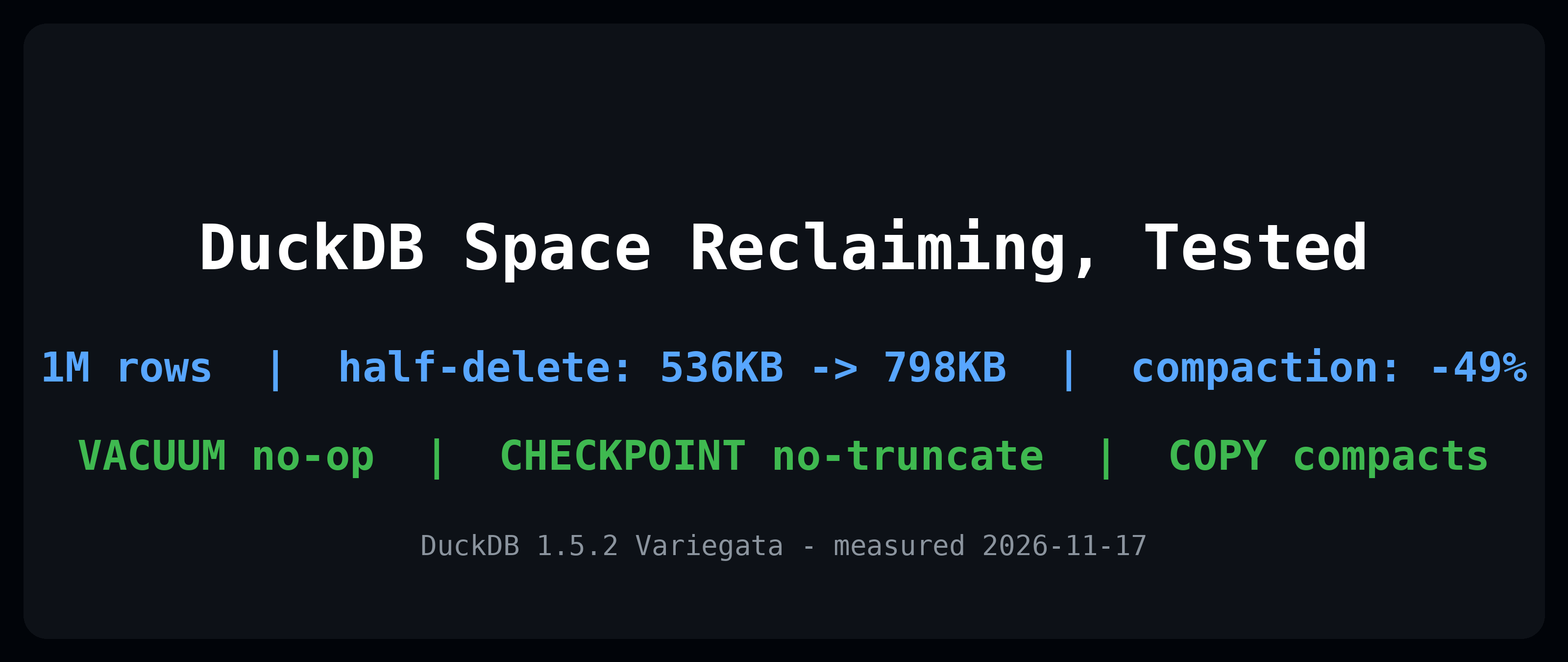
So how do you actually get the file down in size after deleting lots of rows? This post measures a 1-million-row database across four stages and pins down the true division of labor among VACUUM / CHECKPOINT / COPY FROM DATABASE.
Scope: one focused topic — space reclamation — measured on DuckDB 1.5 (Variegata). Every number is reproducible with the commands at the end.
1. Three Tools, Three Roles (the short version)
| Tool | Real effect | Does the .duckdb file get smaller? |
|---|---|---|
VACUUM; / VACUUM ANALYZE; | Whole-database: no-op | No |
VACUUM my_table(my_col); | Rebuilds stats for that table’s column | No (touches stats, not space) |
CHECKPOINT; / FORCE CHECKPOINT; | Flushes WAL into the data file and merges qualifying row groups | Reuses free space, but does not truncate |
COPY FROM DATABASE a TO b; | Copies content into a fresh database (a compaction rewrite) | Yes, the file genuinely shrinks |
In one line: the only reliable way to make the on-disk file smaller is COPY FROM DATABASE; CHECKPOINT stops further growth; VACUUM is essentially unrelated to space.
2. Minimal Reproducible Experiment: 1M Rows, Delete Half, Measure 4 Sizes
Everything below runs directly in the DuckDB CLI. File sizes are measured with bash stat -c '%s' (bytes).
Step 0: build 1M rows, checkpoint
CREATE TABLE t AS SELECT range AS id, 'payload_' || repeat('x', 40) AS payload FROM range(1000000);
CHECKPOINT;
$ stat -c '%s' exp.duckdb
536576        # S0: 1M rows, after build + checkpoint
Step 1: delete half (id % 2 = 0), no checkpoint yet
DELETE FROM t WHERE id % 2 = 0;
$ stat -c '%s' exp.duckdb
798720        # S1: the file got *bigger* after the delete (delete marks + WAL)
Note the counterintuitive bit: you deleted 50% of the data and the file grew (536KB -> 798KB). DuckDB is append-only; a delete just writes tombstones into the WAL rather than erasing in place.
Step 2: run VACUUM
VACUUM;
$ stat -c '%s' exp.duckdb
798720        # S2: identical to S1 — VACUUM has zero effect on size
Step 3: run CHECKPOINT
CHECKPOINT;
$ stat -c '%s' exp.duckdb
798720        # S3: still not truncated, size unchanged
This is the step that most surprises people: run CHECKPOINT, look at the file, see no shrink, and conclude “reclamation didn’t work.” It actually did reclaim — just not in the way you expected.
3. Why CHECKPOINT Doesn’t Truncate the File
DuckDB uses a single-file format. The official “Reclaiming Space” page opens with:
DuckDB uses a single-file format, which has some inherent limitations w.r.t. reclaiming disk space.
The mechanism: at checkpoint time, DuckDB merges adjacent row groups whose deletes cross a threshold and marks that space as reusable. It does not shorten the file’s byte length — the file stays at its historical high-water mark, and the freed region is simply reused on the next writes instead of growing the file further.
So S3 staying flat is correct behavior. “Reclaim” ≈ “stop growing as fast,” not “immediately smaller on disk.”
The docs add one detail: merging kicks in when ~25% of rows in adjacent row groups are deleted. Delete too little (say 5%) and checkpoint won’t merge those row groups, so no space is freed. Here we deleted 50%, well above the threshold, so merging does happen — visible as “reusable space,” not as truncation.
4. VACUUM’s Real Job: Rebuilding Stats, Not Collecting Space
Break VACUUM into its forms (measured on 1.5):
VACUUM;                  -- whole DB: no-op, does nothing
VACUUM ANALYZE;          -- whole DB: also a no-op
VACUUM t(id);            -- rebuilds stats for column id of table t (silent success)
VACUUM FULL;             -- error: Not implemented Error: Full vacuum option
VACUUM t(id) is the one thing it can actually do: when a column’s statistics (e.g. distinct count) go stale after heavy UPDATE/DELETE, rebuild them so the optimizer picks a better plan. That has nothing to do with disk space.
So “use VACUUM to shrink the file” is, semantically, the wrong tool from the start.
5. Actually Shrinking the File: COPY FROM DATABASE
The official docs point to COPY FROM DATABASE for compaction:
To compact the database, you can create a fresh copy of the database using the
COPY FROM DATABASEstatement.
Measured (continuing from section 2; the file is now 900k rows at 1,060,864 bytes):
ATTACH 'exp.duckdb' AS db1;
ATTACH 'exp_compact.duckdb' AS db2;
USE db2;
COPY FROM DATABASE db1 TO db2;
CHECKPOINT;
$ stat -c '%s' exp.duckdb; stat -c '%s' exp_compact.duckdb
1060864        # source, inflated
536576         # new DB, compacted; row count unchanged (900k rows)
Size dropped from 1,060,864 to 536,576 — about 49% smaller — with no data loss. That’s the canonical “really shrink the file” move in DuckDB: rewrite into a clean database, then switch to it.
A common production pattern: COPY FROM DATABASE into a new file, verify row counts / checksums, then atomically rename-replace the old file. The source stays read-only throughout, so it’s safe.
6. Two Extras (1.4+ / 1.5)
1. In-memory databases can checkpoint + compress (since 1.4)
ATTACH ':memory:' AS mcmp (COMPRESS);
USE mcmp;
CREATE TABLE x AS SELECT range AS id, repeat('z', 200) AS blob FROM range(50000);
CHECKPOINT;
Before 1.4, in-memory tables didn’t checkpoint or compress. Since 1.4, in-memory tables support both compression and “delete-row vacuuming” — handy for resident memory workloads that churn rows constantly (e.g. an AI agent’s in-memory working set).
2. ART-indexed tables + vacuum_rebuild_indexes (experimental)
Tables with PRIMARY KEY/UNIQUE constraints use ART indexes under the hood. By default, VACUUM skips tables with ART indexes; the experimental vacuum_rebuild_indexes setting lets vacuum compact those tables (rebuilding the indexes afterward), with 0 (the default) disabling it.
Gotcha, measured: this setting cannot be changed while the database is running —
SET vacuum_rebuild_indexes = 200000;
-- Invalid Input Error: Cannot change vacuum_rebuild_indexes setting while database is running
It can only be configured at startup / ATTACH time.
7. Automatic Checkpoint: wal_autocheckpoint
You don’t have to sprinkle CHECKPOINT by hand. DuckDB auto-checkpoints based on WAL size:
SELECT name, value FROM duckdb_settings() WHERE name = 'wal_autocheckpoint';
-- wal_autocheckpoint | 16.0 MiB
The default threshold is 16 MiB: once the WAL reaches 16MB, an automatic checkpoint fires. On write-heavy workloads you can lower it (flush WAL more eagerly, control the file high-water mark); on read-mostly workloads raising it is harmless. Understanding this default explains “why does my .duckdb keep growing” — usually it’s WAL growth triggering checkpoints, while the file never truncates.
8. When to Use What (Decision Table)
| Your goal | Correct action |
|---|---|
| Deleted lots of rows; want to stop growing / reuse free space | CHECKPOINT (or rely on auto wal_autocheckpoint) |
Want the on-disk .duckdb to genuinely shrink | COPY FROM DATABASE into a new file, then swap |
| Column stats stale, query plans degraded | VACUUM my_table(my_col) to rebuild stats |
Reach for VACUUM FULL by habit | Not supported on 1.5 — it errors with Not implemented |
| Want to compact a PK/UNIQUE-constrained table | vacuum_rebuild_indexes (experimental, set at startup) |
| In-memory resident DB churning rows | ATTACH ':memory:' (...) (COMPRESS) + CHECKPOINT (1.4+) |
Go Deeper
- DuckDB Complete Guide — the overall roadmap from install to advanced
- DuckDB Performance Tuning Ultimate Guide — space reclamation is only one piece; read it alongside the tuning guide
- DuckDB Predicate Pushdown & Indexes — how the stats rebuilt by
VACUUM ANALYZEdrive the optimizer - DuckDB Production Deployment Guide — how to safely run “compaction rewrite + atomic swap” in production
Reproducibility
- Version: DuckDB 1.5.2 (Variegata), Linux x86_64, run directly in the CLI; all sizes measured with
stat -c '%s'. - Reproduce: run
duckdb exp.duckdb < setup.sqlin the order of sections 2 and 5; use section 5’sCOPY FROM DATABASEfor the shrink comparison. - Official references: VACUUM Statement (1.5), CHECKPOINT Statement (1.5), Reclaiming Space (1.5), Configuration (1.5).
- Last verified: 2026-11-17. If you spot an issue, please open a GitHub Issue.
Further Reading
- Essbase x DuckDB: offline analytics for a classic MOLAP cube — a real data pipeline where file footprint and rewrite cost are first-order concerns
- Zero-Diff Reconciliation in DuckDB — the same “measure, don’t assume” discipline applied to data integrity instead of disk space